
Cord-cutters in the US are increasingly turning to innovative streaming solutions to enhance their viewing experience. One such versatile option is SS IPTV, a lightweight media player that allows users to customize their entertainment hub without the need for expensive cable subscriptions.
This streaming app is gaining popularity for its ability to transform your home screen into a personalized entertainment center. With SS IPTV, you can enjoy a tailored viewing experience that meets your specific needs.
Whether you’re a beginner or tech-savvy, this guide will walk you through the basics and advanced features of the app, helping you make the most of your streaming experience.
Key Takeaways
- Discover how SS IPTV works as a versatile streaming solution.
- Learn how to customize your home screen for a personalized viewing experience.
- Understand the benefits of using SS IPTV over traditional cable subscriptions.
- Explore the advanced features of the SS IPTV app.
- Find out if SS IPTV is the right cord-cutting solution for your entertainment needs.
What is SS IPTV and Why It’s Popular Among Cord-Cutters
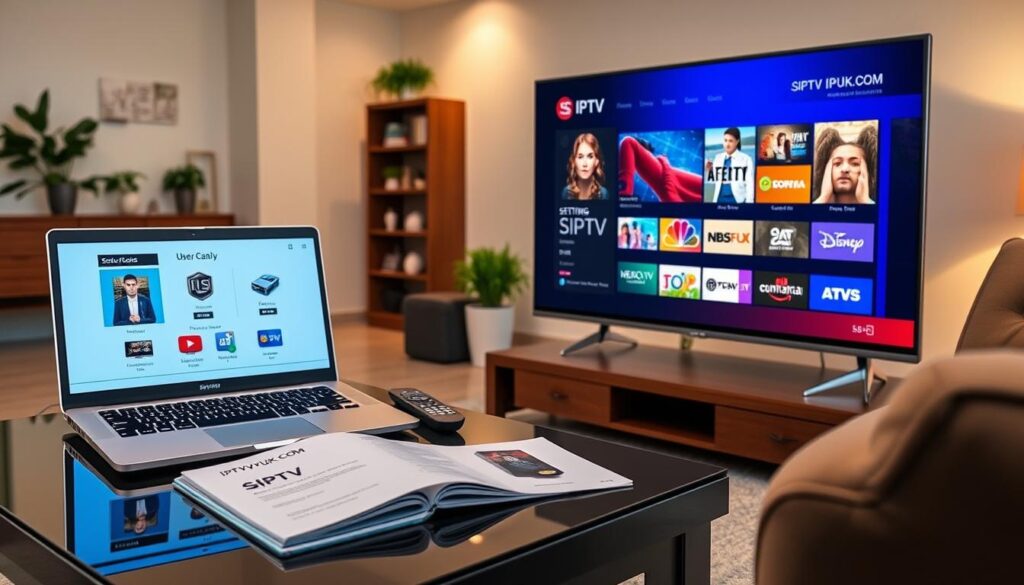
SS IPTV has become a buzzword among cord-cutters, but what exactly is it? SS IPTV is a free multi-player service that allows users to play videos and TV channels on their smart TV or streaming devices like Roku or FireStick over the internet. It’s integrated with hundreds of IPTV operators, giving users access to a wide range of content provided by these operators.
Understanding IPTV Technology
IPTV, or Internet Protocol Television, is a technology that delivers television content over internet protocol networks. This allows for a more flexible and customizable viewing experience compared to traditional TV services. SS IPTV leverages this technology to provide users with a platform to stream their chosen content and channels.
Benefits for US Cord-Cutters
For US cord-cutters, SS IPTV offers several benefits. It’s a free service that doesn’t charge monthly subscription fees, although users may pay for premium content from providers. The platform allows for greater customization of the user interface and channel organization. This flexibility is a significant advantage over traditional streaming services, which often have fixed layouts.
How SS IPTV Differs from Traditional Streaming Services
Unlike Netflix or Hulu, which provide their own content libraries, SS IPTV acts as a player that lets users bring their own content sources through playlists and links. This open nature allows for integration with multiple content sources simultaneously, offering a more personalized viewing experience. However, it requires more technical engagement to set up and maintain compared to mainstream streaming services.
Getting Started with SS IPTV: Device Compatibility
Getting started with SS IPTV requires understanding the devices and platforms it supports. Ensuring your device is compatible is the first step towards enjoying seamless streaming.
Supported Devices and Platforms
SS IPTV is compatible with a variety of devices, enhancing its versatility. You can find it in the app store of your device, whether it’s a smart TV or a mobile device. For instance, on LG TVs, you can go to the LG Content Store, search for “SS IPTV,” and install it directly. Samsung (Tizen) users can also enjoy SS IPTV, although it might be available in specific markets or through developer mode.
Hardware Requirements for Optimal Performance
For a buffer-free streaming experience, your device should meet certain hardware requirements. A minimum of 2GB RAM and a quad-core 1.5GHz processor or better are recommended for handling high-definition content. A stable internet connection is also crucial, with speeds of at least 10Mbps for HD and 25Mbps for 4K content. Smart TVs manufactured after 2016 generally have sufficient processing power, but older models might experience lag. Ensuring at least 100MB of free storage space on your device will also help in maintaining smooth operation.
How to Install SS IPTV on Amazon FireStick
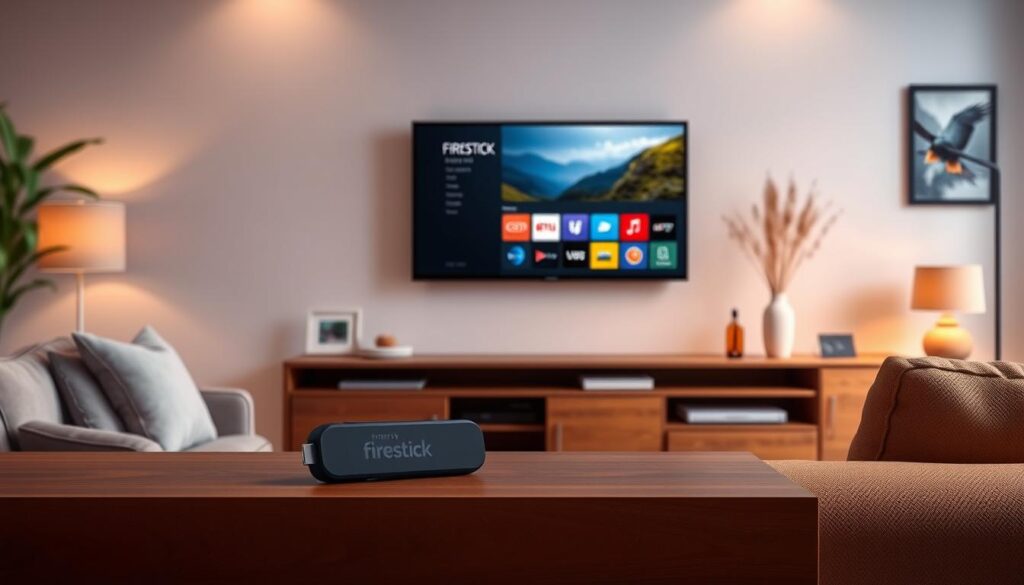
Installing SS IPTV on your Amazon FireStick is a straightforward process that opens up a world of streaming possibilities. To begin, you’ll need to enable apps from unknown sources on your FireStick.
Enabling Apps from Unknown Sources
To install SS IPTV, you must allow your FireStick to install apps from outside the Amazon Appstore. Navigate to Settings > My Fire TV or Developer Options, and toggle Apps from Unknown Sources to On. This step is crucial for installing the SS IPTV app.
Step-by-Step Installation Process
Next, you’ll need to install the “Downloader” app, which helps you download the SS IPTV APK. From the FireStick home screen, use the search function to find and install the “Downloader” app. Once installed, launch the “Downloader” app, and enter the URL: http://bit.ly/ssiptv-apk to download the SS IPTV APK file. For a detailed guide, you can refer to our IPTV setup guide on Firestick.
Troubleshooting Common Installation Issues
If you encounter issues during installation, here are some troubleshooting tips:
- If you get an “App Not Installed” error, check your storage space by going to Settings > Applications > Manage Installed Applications and remove unused apps.
- For “Parse Error” messages, try downloading the APK from a different source or check for a FireStick-compatible version.
Setting Up SS IPTV on Smart TVs
Setting up SS IPTV on your Smart TV is a straightforward process that opens up a world of streaming possibilities. You can enjoy your favorite channels and content on a bigger screen with better quality.
Installation on Samsung Smart TVs
To install SS IPTV on Samsung Smart TVs, you need to use the Smart Hub feature. Navigate to the app section, search for SS IPTV, and download it. After installation, launch the app and follow the on-screen instructions to complete the setup.
Installation on LG Smart TVs
For LG Smart TVs, go to the LG Content Store, search for “SS IPTV,” and click Install. Once installed, you can launch the app and follow the prompts to set it up. Make sure you’re connected to the internet for a smooth installation process.
Setting Up on Android TVs
Android TV users can easily install SS IPTV directly from the Google Play Store. Simply search for SS IPTV, click Install, and the app will appear on your home screen. For Android TVs without Google Play Store access, you can sideload the APK file using a USB drive or file manager apps.
- Launch the SS IPTV app and note the connection code displayed on your screen.
- Enter the connection code on the SS IPTV web portal from a computer or mobile device.
- Enjoy smooth navigation and easy access to settings using your remote control.
Installing SS IPTV on Mobile Devices and Computers
SS IPTV can be enjoyed on multiple platforms, including mobile devices and computers, with a simple installation process. This flexibility allows users to access their favorite streaming services across different devices.
Android Phone and Tablet Setup
For Android users, installing SS IPTV is a straightforward process. You can download the SS IPTV APK file from a reputable source and install it directly on your device. Simply follow the on-screen instructions to complete the installation, and you’ll have the app ready to use on your Android phone or tablet.
iOS Workarounds (Using Screen Mirroring)
iOS users can utilize screen mirroring to enjoy SS IPTV on their devices. Although the app isn’t directly available on iOS, you can mirror your Android device’s screen or use an emulator on a computer and then mirror it to your iOS device if supported. This method allows you to bypass the limitations and enjoy SS IPTV on a larger or different screen.
Windows PC and Mac Installation
To install SS IPTV on a Windows PC or Mac, you can use an Android emulator. By downloading an emulator like BlueStacks or Nox App Player, you create a virtual Android environment on your computer. Then, download the SS IPTV APK file and install it within the emulator. This step-by-step process enables you to run SS IPTV on your computer, taking advantage of a larger screen and potentially better speakers.

Top SS IPTV Service Providers for US Viewers

For US viewers seeking top-notch SS IPTV services, several providers stand out. When choosing a service, consider factors like channel offerings, streaming quality, and customer support.
Premium Service Options and Pricing
Premium SS IPTV services offer a wide range of channels and content, including sports, movies, and TV shows. Pricing varies among providers, but you can expect to pay between $10 to $25 per month for a standard package. Some popular premium providers include those listed on solidiptv.store, which offer reliable streaming and a variety of content.
Free and Legal Content Sources
If you’re looking for free and legal content, several options are available for SS IPTV users. Some popular choices include:
- Pluto TV, which offers over 250 channels of news, sports, movies, and TV shows via M3U playlist.
- Samsung TV Plus, providing free channels that can be accessed through SS IPTV.
- Plex’s free live TV channels, offering a growing selection of content across multiple genres.
- The Internet Archive, hosting public domain content including classic movies, TV shows, and documentaries.
For more information on top IPTV service providers, you can check out this LinkedIn article.
Adding and Managing Playlists in SS IPTV

To get the most out of your SS IPTV app, understanding how to add and manage playlists is essential. This process allows you to organize your content efficiently and enhance your overall viewing experience.
Understanding M3U and XSPF Playlist Formats
SS IPTV supports both M3U and XSPF playlist formats. M3U is the most commonly used format, known for its simplicity and compatibility with various media players. XSPF, on the other hand, offers more advanced features like metadata support.
Step-by-Step Guide to Adding Playlists
To add a playlist to your SS IPTV app, follow these steps:
- Access the app‘s settings menu.
- Navigate to the playlist section.
- Enter the URL of your M3U or XSPF file.
- Save your changes.
For detailed instructions, you can refer to our guide on setting up IPTV on Smart TV via SS.
Organizing and Customizing Your Channels
SS IPTV allows you to create custom channel groups and assign logos to channels. You can organize your content by genre, language, or personal preference, making it easier to navigate through your playlist on your TV screen.
- Create custom channel groups by editing playlist settings.
- Assign custom logos to channels using image URLs.
- Use the app‘s settings to hide empty groups or sort channels alphabetically.
Advanced Features of SS IPTV
SS IPTV offers a range of advanced features that enhance your viewing experience. These features are designed to provide more control, customization, and flexibility in managing your streaming content.
Parental Controls and Content Filtering
You can restrict access to certain channels or content types using SS IPTV’s parental controls. This feature is particularly useful for families, allowing you to create a safe viewing environment for children. To enable parental controls, navigate to the Settings menu and select the appropriate options.
Customizing the User Interface
SS IPTV allows you to personalize your viewing experience by customizing the app’s interface. You can adjust various settings to suit your preferences, such as changing the layout or selecting which information is displayed on the screen. This level of customization enhances your overall interaction with the app.
Multi-Playlist Support and Switching
One of the standout features of SS IPTV is its ability to manage multiple playlists simultaneously. You can create separate playlists for different content types or providers, keeping your content organized. Switching between these playlists is seamless, allowing you to quickly move between different types of content without lengthy loading times. For more information on configuring SS IPTV, visit SS IPTV Configuration.
| Feature | Description | Benefit |
|---|---|---|
| Parental Controls | Restrict access to certain channels or content | Safe viewing environment for children |
| Customizable UI | Personalize the app’s interface | Enhanced user experience |
| Multi-Playlist Support | Manage multiple playlists | Organized content and quick switching |

Legal and Security Considerations
Understanding the legal and security aspects of SS IPTV is essential for a hassle-free streaming experience. As you explore the capabilities of SS IPTV, it’s crucial to be aware of the legal landscape surrounding IPTV services in the United States.
Is SS IPTV Legal in the United States?
The legality of SS IPTV in the US is a complex issue. While the service itself is not illegal, some content provided by SS IPTV might be. It’s essential to understand that your internet service provider (ISP) and government can monitor your streaming activities. For more information on the legal status of IPTV in other regions, you can check out this article on IPTV legality in. Ensuring you’re accessing content from authorized sources is key to avoiding legal trouble.
Using VPNs for Enhanced Privacy and Access
To enhance your privacy and security while using SS IPTV, consider employing a VPN (Virtual Private Network). A VPN encrypts your internet traffic, preventing your ISP from monitoring your streaming activities or throttling your connection. Key benefits include:
- Bypassing geographic restrictions on content, allowing access to region-locked streams.
- Maintaining consistent speeds by masking the nature of your internet activity, especially during peak hours.
- Enhancing privacy, though it’s noted that VPNs don’t change the legal status of accessing unauthorized content.
When selecting a VPN for SS IPTV, prioritize providers with high-speed servers, no-logging policies, and dedicated streaming capabilities to ensure smooth playback and secure your streaming experience.

Conclusion: Is SS IPTV Right for Your Cord-Cutting Needs?
For cord-cutters looking for a customizable streaming experience, SS IPTV offers a compelling alternative to traditional services. With its free download and use model, you can eliminate upfront costs while gaining access to potentially thousands of channels.
The app’s compatibility with various devices makes it versatile enough to fit into any home entertainment setup. However, it’s essential to take the time to set up and maintain playlists, as the learning curve may be steeper than with mainstream services. For a more secure experience, consider pairing SS IPTV with a reputable VPN service, as discussed in our guide on finding the best IPTV service.
In conclusion, SS IPTV is an excellent choice for tech-savvy users who value flexibility and customization. By taking the necessary steps to configure the service, you can enjoy a highly personalized streaming experience that traditional services can’t match.

