
Streaming live TV channels through your existing IPTV subscriptions has become more accessible with the PVR IPTV Simple Client. This powerful tool allows Kodi users to access their favorite channels by linking their IPTV services through M3U playlists. Unlike other addons that scrape the internet for links, the Simple Client provides a straightforward way to enjoy live streams.
The PVR IPTV Simple Client serves as an interface between your Kodi media center and IPTV services, enabling you to access content through M3U playlists. This addon is compatible with multiple platforms, including FireStick, Android TV boxes, computers, and mobile devices. To get started, you’ll need an existing IPTV subscription with M3U playlist URLs.
Key Takeaways
- PVR IPTV Simple Client is a powerful tool for Kodi users to stream live TV channels.
- It requires an existing IPTV subscription with M3U playlist URLs.
- The addon is compatible with multiple platforms where Kodi is available.
- It serves as an interface between Kodi and IPTV services.
- Access to live TV channels is enabled through M3U playlists.
Understanding PVR IPTV Simple Client
The PVR IPTV Simple Client addon is a key component for accessing IPTV services on Kodi. It enables users to stream their favorite channels and content directly through the Kodi interface.
What is IPTV Simple Client?
IPTV Simple Client is a PVR (Personal Video Recorder) addon available through the official Kodi Add-on Repository. This means you don’t need to sideload it, making the installation process straightforward and secure. It supports M3U playlists and XMLTV EPG, which are standard formats used by most IPTV service providers.
Benefits of Using IPTV Simple Client with Kodi
Using IPTV Simple Client with Kodi offers several benefits. Here are some of the key advantages:
- The primary advantage is cross-platform compatibility, allowing you to access your IPTV subscription on any device that supports Kodi, including iOS, Windows, Mac, Linux, and Raspberry Pi.
- It provides a clean, integrated experience with Kodi’s native interface, including full EPG (Electronic Program Guide) support when configured with XMLTV URLs.
- Being part of the official Kodi repository ensures regular updates, better stability, and eliminates security risks associated with third-party repositories.
- The Simple Client also supports channel categorization, allowing you to organize content by genre, country, or other classifications provided in your M3U playlist.
- For more information on IPTV services and how to choose the right one, you can check out our review on IPTV Hub.
By using IPTV Simple Client, you can enjoy a more customizable viewing experience compared to many standalone IPTV apps, with Kodi’s skinning and personalization options fully available.
How to Install IPTV Kodi Simple Client
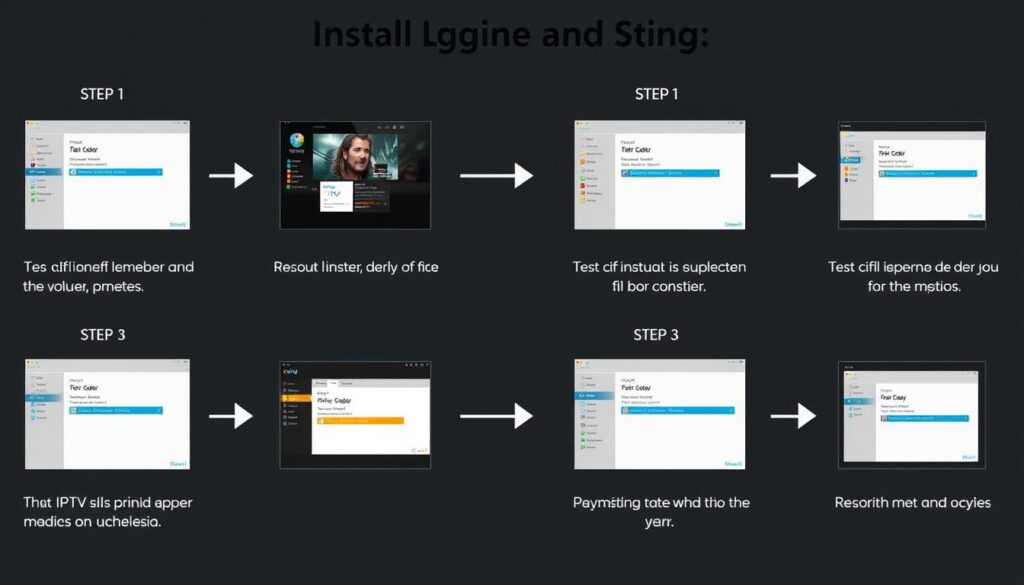
Installing IPTV Simple Client on Kodi is a straightforward process that enhances your streaming experience. To begin, ensure your Kodi application is up-to-date, as this will simplify the installation process.
System Requirements
Before installing the IPTV Simple Client, verify that your system meets the necessary requirements. You need to have Kodi installed on your device, and it should be connected to the internet. The IPTV Simple Client is available in the official Kodi repository, making it easily accessible.
Step-by-Step Installation Process
To install the IPTV Simple Client, follow these steps:
- Start by opening the Kodi application and clicking the Settings option on the home screen, represented by a gear icon.
- Navigate to Add-ons and then select Install from repository.
- Choose the Kodi Add-on repository and scroll down to PVR Clients.
- Locate PVR IPTV Simple Client (or IPTV Simple Client in newer versions) and click on it.
- Click the Install button and wait for the installation to complete.
The installation process typically takes less than a minute. Once installed, the IPTV Simple Client will be available under My Add-ons in the PVR Clients section.
Setting Up IPTV Kodi Simple Client

Setting up IPTV Kodi Simple Client involves a few simple steps to get your streams up and running. First, you’ll need to configure your M3U playlist URL.
Configuring M3U Playlist URL
To configure your M3U playlist, navigate to the PVR IPTV Simple Client settings within Kodi. Here, you’ll enter the URL of your M3U playlist, which contains the list of channels you wish to stream. For more detailed instructions, you can refer to guides like the one on Wireless Hack or Firestick Tricks.
Setting Up XMLTV EPG
If your IPTV provider offers an XMLTV EPG (Electronic Program Guide), you can also configure this within the IPTV Simple Client settings. The XMLTV EPG provides a schedule of what’s currently playing on each channel, enhancing your viewing experience. To set it up, you’ll need to enter the URL of the XMLTV file, similar to how you configured the M3U playlist URL. More information on this process can be found on the official Kodi PVR IPTV Simple GitHub page.
Restarting Kodi to Apply Changes
After configuring both your M3U playlist and XMLTV EPG (if applicable), you’ll need to restart Kodi. To do this, return to Kodi’s home screen, click the Power button, and select “Exit” to close the application. Then, reopen Kodi. You’ll see a “PVR manager is starting up” notification as Kodi loads your channel information. For additional guidance on setting up IPTV on other platforms, you might find Solid IPTV’s guide on setting up IPTV on helpful.
Once Kodi has restarted and loaded your channels, you can access them by navigating to the TV section on the home screen. Here, you can view your channels, recently played channels, or access the EPG if you’ve configured it.
Conclusion
With IPTV Simple Client, you can transform your Kodi media center into a comprehensive live TV solution. This powerful addon integrates IPTV services across multiple platforms, providing access to live TV channels and EPG. By following the installation and configuration steps outlined in this guide, you can enjoy a seamless streaming experience.
To maximize your streaming potential, consider using a reliable VPN service like ExpressVPN, which offers enhanced security, privacy, and the ability to bypass geo-restrictions. For more information on setting up IPTV on various devices, you can visit resources like IPTV Insider’s guide on Kodi or Solid IPTV’s Firestick guide.
Some key benefits of using IPTV Simple Client include:
- Integration with Kodi’s native interface for a user-friendly experience
- Support for M3U playlists and EPG for comprehensive channel listings
- Flexibility to access live TV across various devices
- The importance of using a VPN to secure your streaming activities
By combining IPTV Simple Client with a robust VPN, you can enjoy a secure, versatile, and customizable IPTV viewing experience. For troubleshooting tips or more detailed guides, you may find discussions on forums like CoreELEC or Troy Point Insider helpful.

